
Video calling
Process the outgoing camera track so remote participants receive the beautified video, not just the local preview.
Face beauty SDK for Android
Facevity retouches faces on the device while your users talk, stream or shoot: skin smoothing that keeps real texture, skin-only tone and brightness, lipstick, teeth whitening, backlight compensation, light reshaping, colour filters and AR accessories, rendered on the GPU in a few milliseconds per frame.

 OriginalFacevity · Glam
Built for
Facevity sits between the camera and your encoder or preview. Whatever reads the frame next, whether a local preview, a video call, a live stream or a recorder, gets the retouched image.
Process the outgoing camera track so remote participants receive the beautified video, not just the local preview.
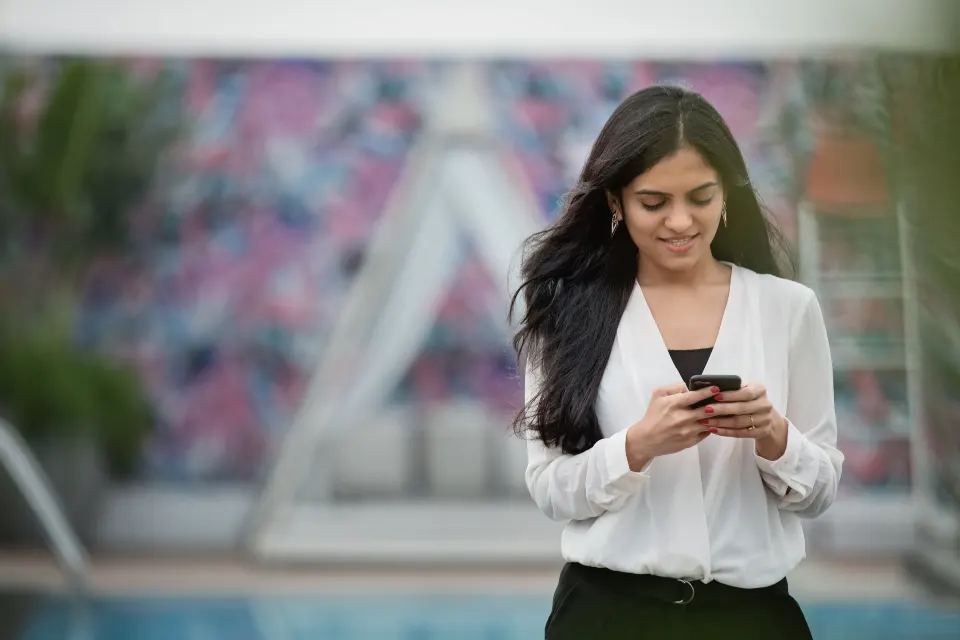
Natural and Glam presets plus per-effect levels let hosts pick a look; changes apply on the next frame.
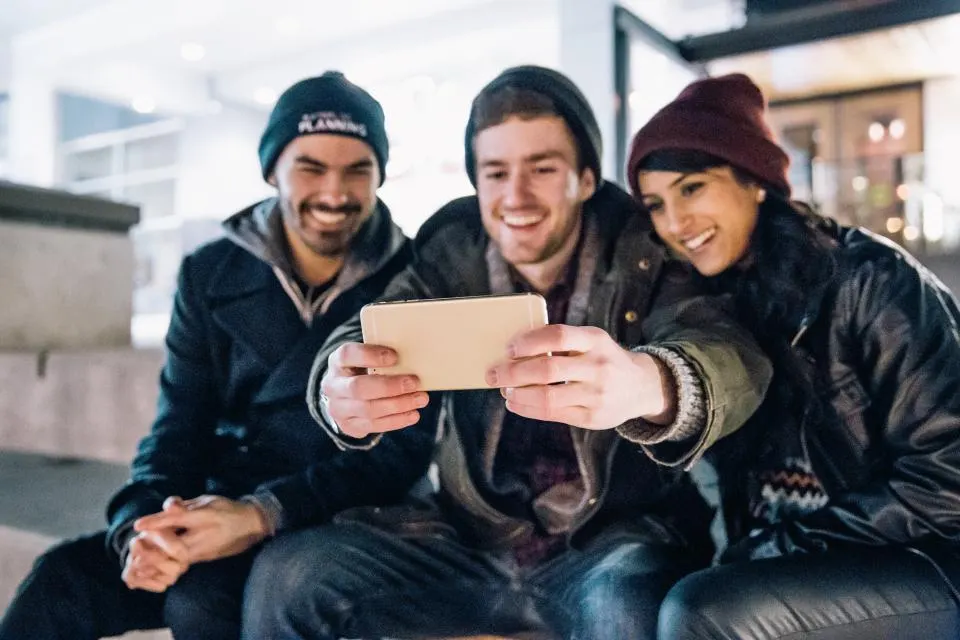
Front and rear cameras, texture or NV21/I420 buffers, and up to four faces per frame.
Features
Every effect works inside masks built from the face mesh and, where the phone's GPU supports it, pixel-level skin and hair segmentation, so backgrounds, clothes and hair stay as they were. Every slider uses one scale: 0 is off, 50 is natural, 100 is strong but still realistic.
Edge-aware smoothing with frequency separation: blemishes and fine lines fade while pores, lashes, brows and lips stay crisp.
Brightening, warmth, even tone and rosiness applied to skin only. Mid-tone lift keeps highlights, shadows and the richness of deep skin tones.
Iris-based eye brightening, dark circles, smile lines and teeth whitening that clears yellow and acts only while teeth show.
Nude, rose, red, berry, coral, plum or any colour, matte to gloss. Lips keep their own texture; teeth stay untouched.
On by default and automatic: lifts a face that is darker than the window behind it, and does nothing when the face is well lit.
Eleven original props: sunglasses, specs, cap, beanie, crown, flower crown, cat ears and earrings. Add your own as JSON and PNG.
Slim face, jaw (V-line) and eye enlarging with smooth warps that do not tear or fold the image.
478-point mesh with iris, head pose and expressions, tracked between detections. Eight colour filters with adjustable strength.
Real output
These are unedited frames from the SDK's quality benchmark: six public-domain test photos covering medium-deep, deep and light skin, low indoor light and stubble. Nothing was retouched afterwards.
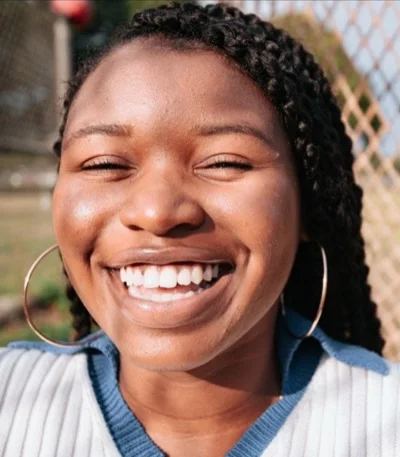
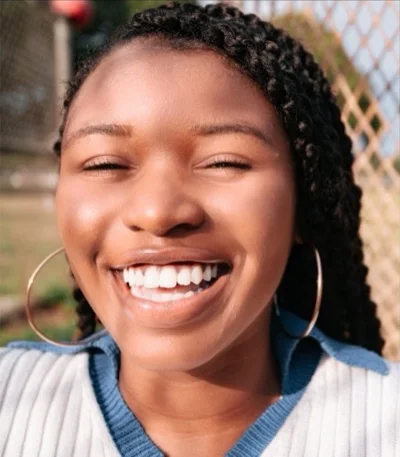


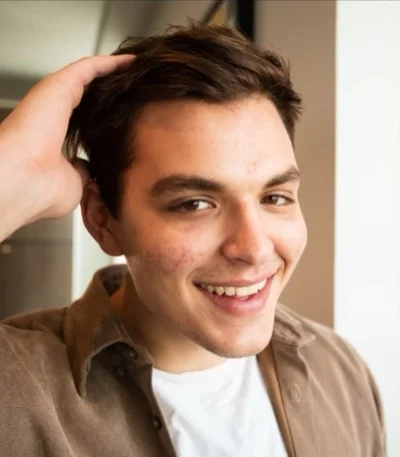
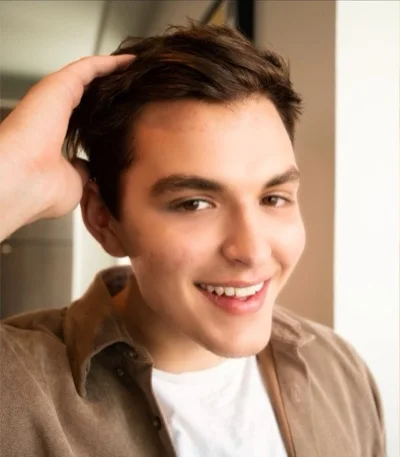
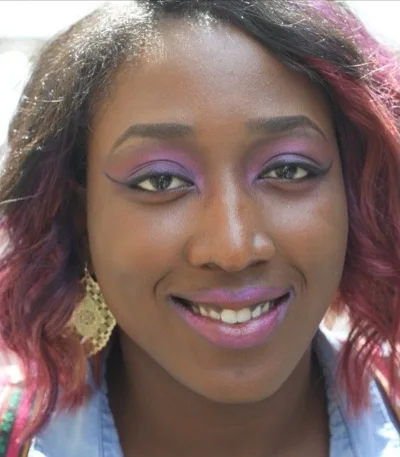
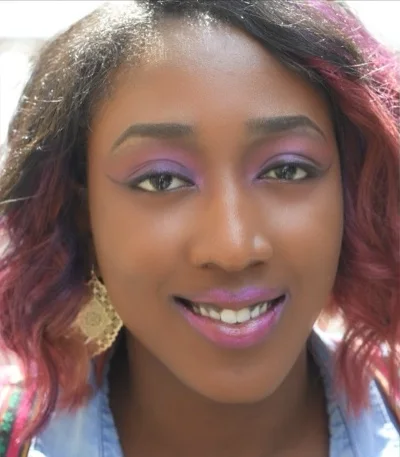
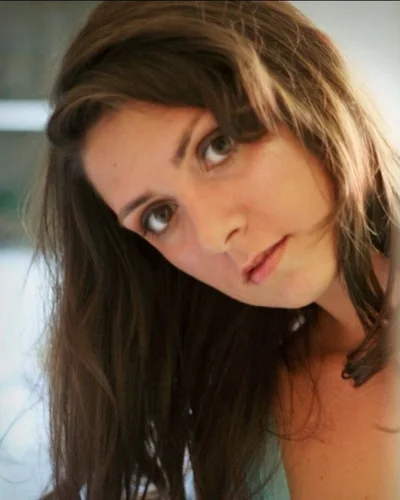

Test photos: CC0 1.0 (rawpixel, StockSnap). Pixels outside the face are unchanged. Credits
Integrations
Facevity takes camera frames as an OpenGL texture or as NV21, NV12 or I420 buffers, so it plugs into the capture hook of common real-time video SDKs. The docs include integration examples for:
Video frame observer, I420, post-capturer
Custom video processing, GL texture
Camera track video processor
VideoProcessor, OES texture or I420
The examples follow each vendor's public API and are provided as reference code; check method names against the SDK version you ship. Product names are used only to describe compatibility.
Read the video-call guideThe local preview is drawn from the same processed frame; only the preview is mirrored.
Performance
A frame at 30 fps has 33 ms. Facevity keeps its work small and never holds up the camera. Numbers below are measured, with the conditions stated.
~1 ms
CPU time per frame on the caller's thread, texture path
Android Emulator (API 34, Apple-silicon host). On a OnePlus phone with a Mali GPU, 720p front camera: about 2 to 5 ms with a face in view.
2.5 to 4.7 ms
GPU time per frame for the Natural and Glam presets
Emulator, 400×500 to 640×800 frames. Expect 2 to 4× more on mid-range phones; heavy work runs at ≤ 640 px.
75%
of the frame interval is the longest wait on the buffer path
49 ms at 15 fps, 25 ms at 30 fps. The camera is never blocked: a frame that misses the budget is replaced by the last retouched frame (up to 250 ms old) instead of the raw camera image, so calls do not flicker.
Measured October 2026 with the SDK's demo app and quality benchmark. The 0.3 effects (lipstick, teeth, backlight) add at most 1.2 ms together on the emulator's call path; an accessory adds one small mesh draw. Device coverage is still growing, so we recommend measuring on your own target devices with the demo app's live counters. Details
Privacy
All face tracking and rendering happen on the device. Facevity never uploads camera frames, face landmarks or any biometric data.
Licensing
Issued by our team for your app IDs, for up to 90 days. Full effects with a small “Facevity Trial” watermark.
One-year licence by default, bound to your package names and, optionally, signing certificates. Upgrading a trial needs no new key and no app update.
A signed licence file you ship inside the app, for products that cannot call a licence server.
Evaluation demo
The trial includes the Facevity demo app: front and rear camera, split-screen and hold-to-compare views, Natural, Glam and Off presets, per-effect sliders and live counters for frame rate, processing time, face detection and dropped frames.
Then add the AAR to your own app. Most teams start with the texture path in a few dozen lines.
Tell us about your app and platform. We will set up a trial licence for your app IDs.